![basis-clear-vertical-1.png]](https://help.wearebasis.com/hs-fs/hubfs/basis-clear-vertical-1.png?height=40&name=basis-clear-vertical-1.png)
Most of the time the routine itself is fine. Something outside the routine has switched the circuit back on.
How to tell
Your routine can still show as active even when the circuit isn’t in Standby. That’s because the routine shows what should be happening on its schedule. It doesn’t check what the circuit is actually doing.
To see what’s really happening, check the circuit itself:
- Open the Basis Home app and tap Control.
- Tap the circuit your routine looks after.
- Check its status. If it says On and is using power during your routine’s Standby time, the routine has missed this run.
You might also notice it around the house first, like lights on that should be off, or hot water heating when it shouldn’t be.
Why it happens
Your panel lost power and came back on |
If there’s a power cut, or the main switch is turned off and on again, your panel restarts. When it does, your circuits will turn on automatically, even those in Standby from a routine. You won’t get a notification when this happens. |
Your circuits had a firmware update |
Circuits that are in Standby turn back on after a circuit firmware update. You won’t get a notification when this happens either. |
Your panel was offline when the routine was due to start or finish |
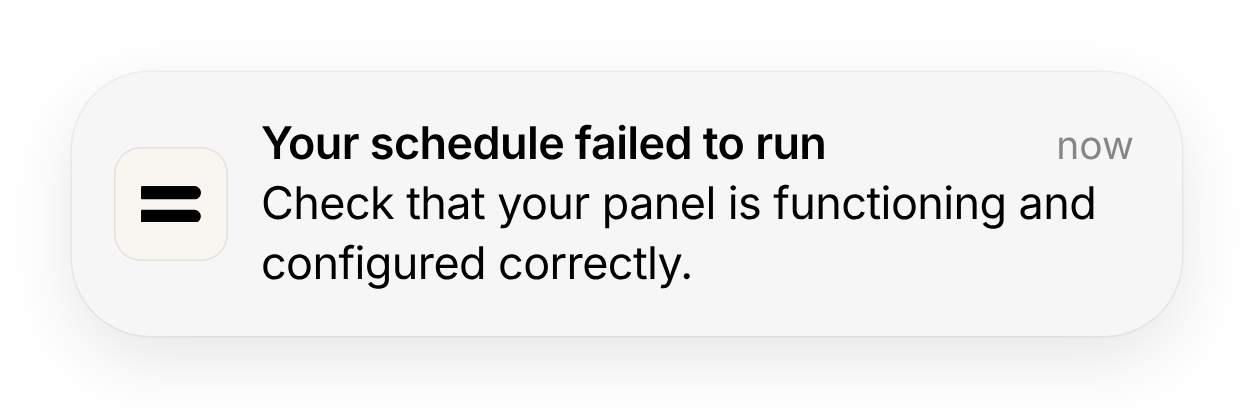
Your routine sends a command to your panel at the start and end of each Standby period. If your panel isn’t connected to the internet at that moment, we’ll try a few more times in case it’s a short blip. If it’s still offline after about 30 seconds, that run is skipped.
You’ll get a push notification in the app when this happens, so you can sort it straight away.
Important: If the circuit is in Standby and it powers something like your hot water, fridge or freezer, turn it back on as soon as you see the notification. |
How to fix it
Note: You don’t need to change or recreate your routine. It will run as normal at its next scheduled time.
If you want the circuit in Standby now
- Open the Basis Home app and tap Control.
- Tap the circuit.
- Tap Standby, then confirm.
If the circuit is in Standby and you want it on now
- Open the Basis Home app and tap Control.
- Tap the circuit.
- Tap ‘Turn on’ again to turn it back on, then confirm.
What happens next?
Your routine will put the circuit into and out of Standby automatically at its next scheduled times. You don’t need to do anything else.
None of these sound like what happened?
If your panel hasn’t lost power, updated or gone offline, and your routine still didn’t run, we’d like to take a look. Please send us a bug report.
You can also do this from the app. Go to Settings, then Support, then Report a bug.
It helps us find the cause faster if you include:
- the circuit and routine it happened on
- the date, and roughly what time you noticed
- what the app showed, and what actually happened (for example, the routine showed as active but the hallway lights were on)